A practical plan for your laptop workspace
Tasty Desk Setup Kit
A better desk starts with what you already own. Work out what to keep, which connection is missing, and what to upgrade first. Then assemble it with a plan you can check.
Digital product · $19 one-time · Equipment purchased separately
Pay securely through Stripe. Access opens after payment is verified. Future guide revisions are included.
Save your equipment and plans to your verified account and return on another device.
Try the free example: do you need a separate dock? →Look inside the actual kit
These are pages from the downloadable files. Open a preview to read it at full size, or use the complete free example before deciding.

The actual branded guide cover
Open full-size preview →
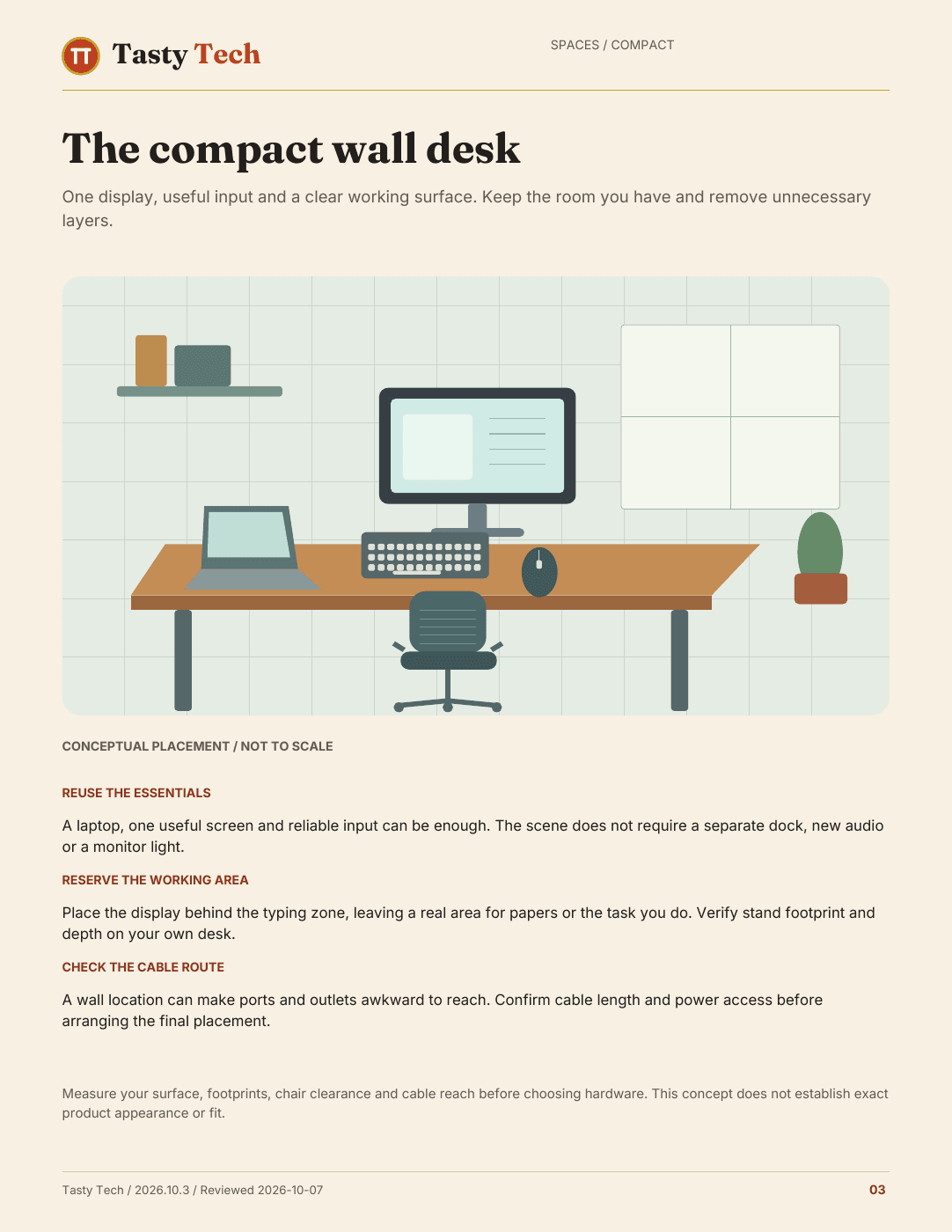
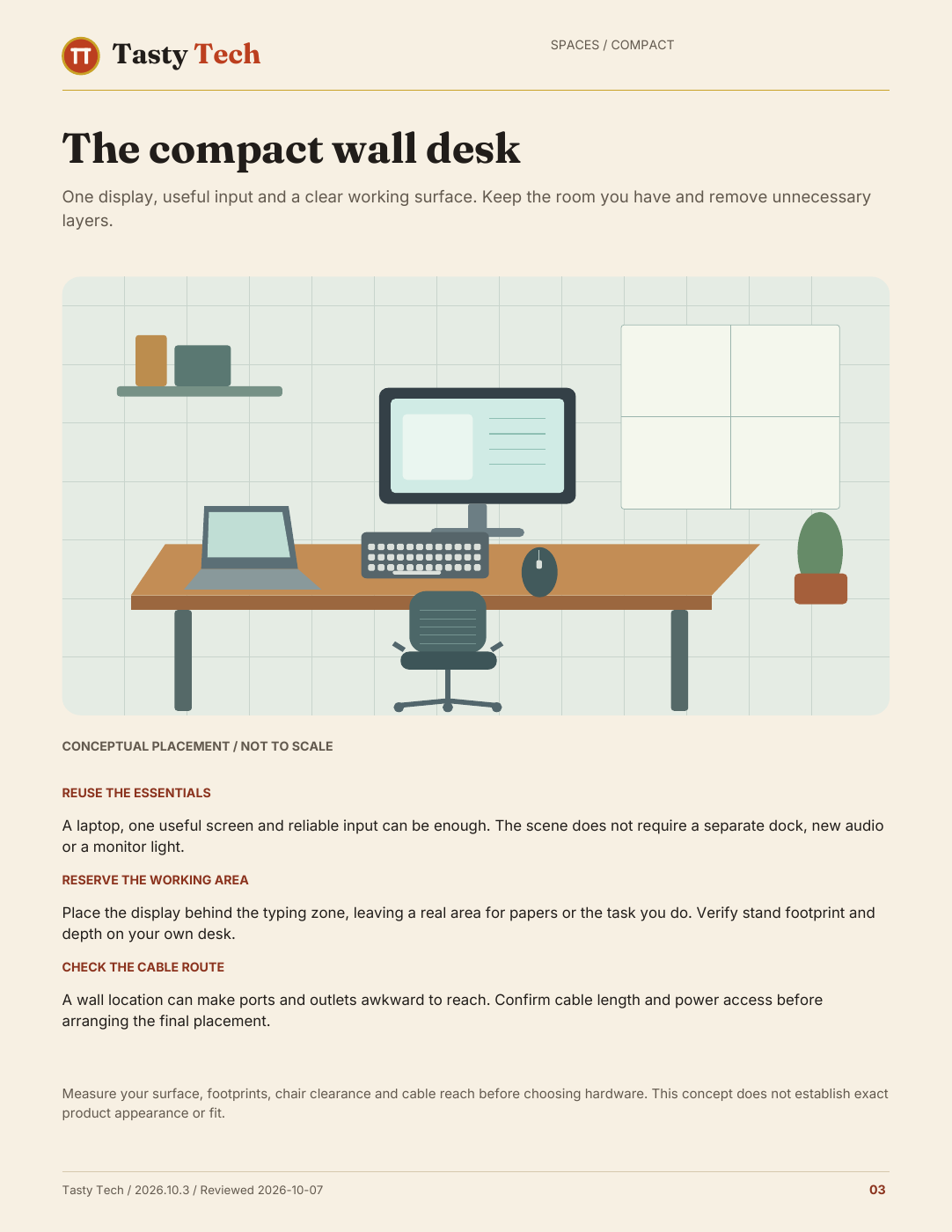
A compact desk context from the guide
Open full-size preview →
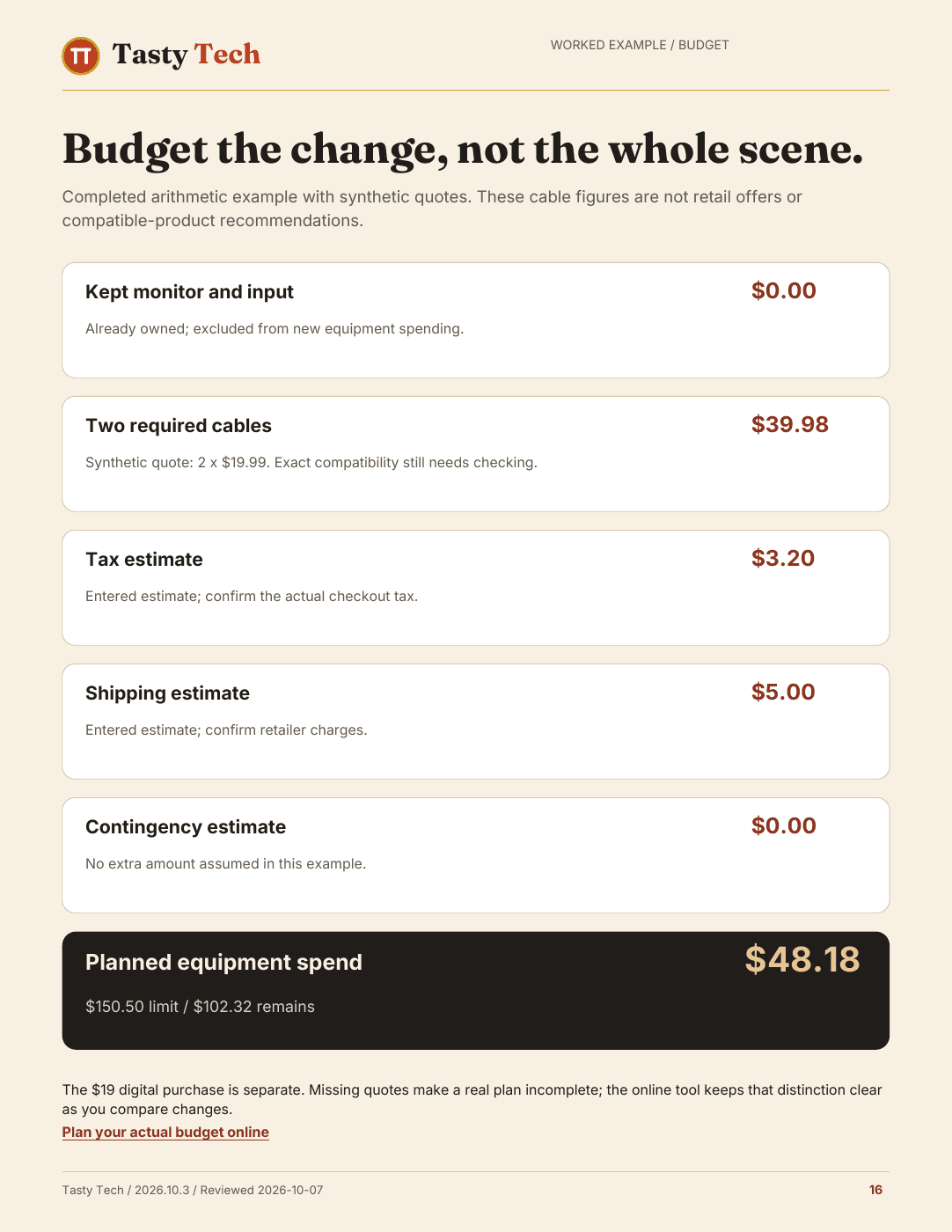
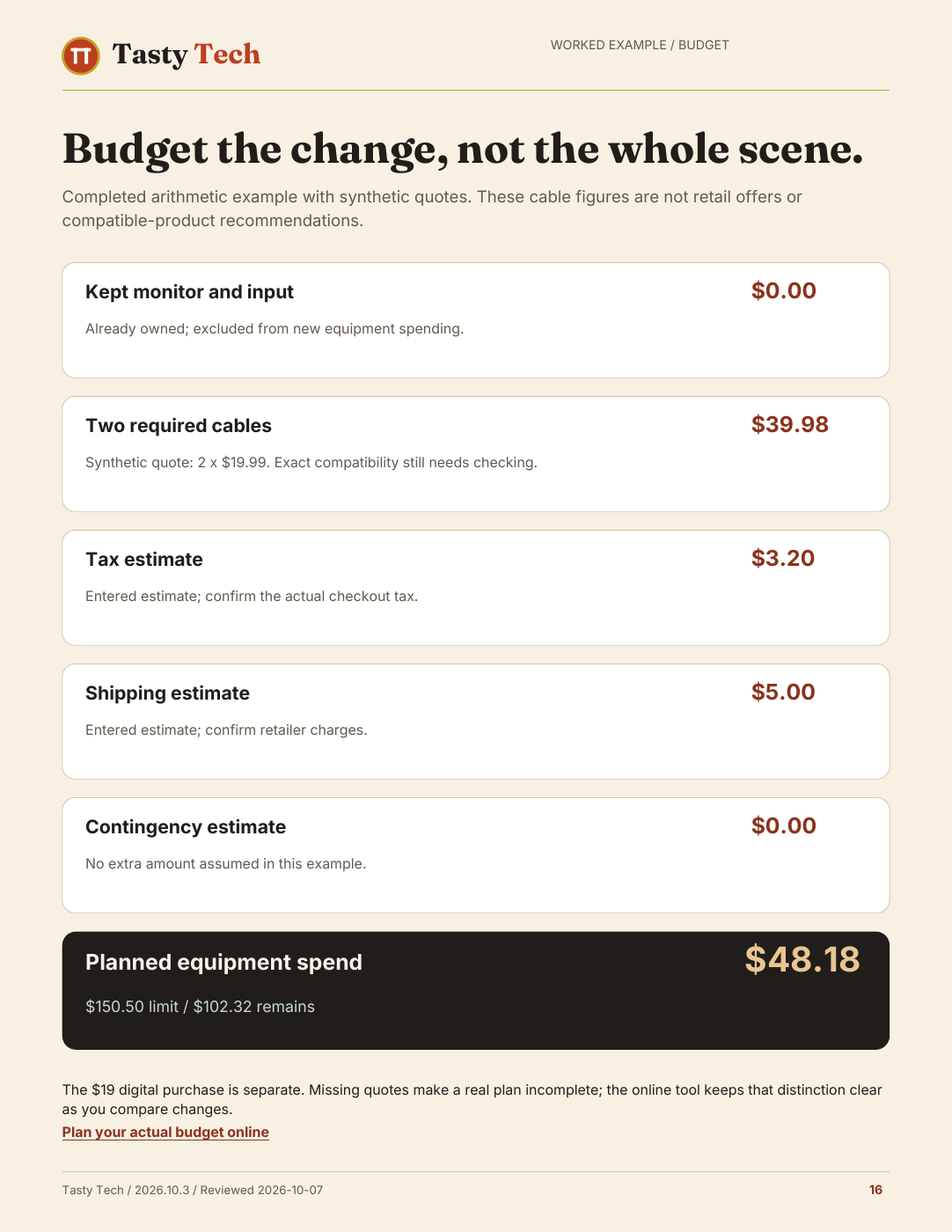
A completed budget example from the guide
Open full-size preview →

What your $19 includes
- The visual Desk guide
- Illustrated PDF + private web reference
- My gear and budget
- Purchased online tools; account saving when configured
- A completed equipment decision
- Finished example PDF
- A worked equipment budget
- Finished example PDF
- A documented connection
- PDF + SVG reference
- Setup and troubleshooting field guide
- Finished reference PDF
The current edition has a 20-page visual guide, three desk contexts and four shorter finished references. Use the online tools to enter your gear and budget, check requirements and connections, order upgrades and record setup progress. The PDFs are designed to read, with completed examples and no forms to fill out.
Read the full table of contents
- Start with what already works
- Keep, replace or investigate
- Budget for the change, not the whole photograph
- The older monitor and its successor
- Compatibility before checkout
- One documented connection example
- Upgrade in the order of your bottleneck
- Assemble and verify
- Version, sources and honest limits
A good fit when…
- You are building or improving a laptop-based desk.
- You want to check your current equipment before replacing it.
- You want researched options and clear compatibility questions.
- You are willing to verify exact models, current prices and return terms.
Know the limits
- Hardware, assembly services, tax and shipping are separate.
- The example configuration does not certify every laptop, dock or display combination.
- It is not a custom workstation design, hands-on lab review or medical advice.
- Specialist gaming, multi-display and managed-office requirements need their own checks.
Use it in three passes
1. Start with useful gear
Explore the finished guide, then enter what you own in the online inventory. Name the bottleneck before selecting an upgrade.
2. Plan the actual change
Check ports, display support, cables and power. Enter current quotes and separate essential from optional spending.
3. Assemble and verify
Order your upgrades and record setup progress online. Test picture, data, charging and a real work session before tidying.
Researched choices, with their limits shown
Recommendations are researched from manufacturer documentation and attributed reference material. The guide records dates, exact configurations, alternatives and reasons to skip. Tasty Tech has not recorded hands-on testing of this kit. Prices are dated references or clearly marked as needing a quote; verify them with the seller before ordering.
Edition 2026.10.3 · Reviewed 2026-10-07. Future revisions of this kit are included for legitimate existing buyers.
Buying, access and support
- Is this equipment or a digital product?
- A $19 one-time digital Stack. You receive the private guide, purchased online planning tools, five finished PDFs and an SVG connection reference. You purchase equipment separately.
- Do I need an account before buying?
- No. Guest checkout is available when checkout is enabled. Return from Stripe to this browser so verified payment can open the Stack. An existing sign-in keeps the purchase on that account. If you check out as a guest, sign in with your checkout email and verify its code to recover guide access.
- Will my plan be there on another device?
- Yes. Sign in to your verified buyer account and choose Save in the planning tools. My setups lets you reopen the saved version on another device.
- How do I get updates?
- Return to the protected guide to download the current edition and read its change notes. An automatic update email is not promised.
- What if it is not useful for me?
- The published policy offers a full refund if you email within 30 days of purchase. Read the refund policy and terms.
- Paid but cannot open the kit?
- Find purchase access or email hello@tastytech.com. Keep sign-in and payment links private.
Make a plan before buying the equipment
Digital product · $19 one-time · Equipment purchased separately
Pay securely through Stripe. Access opens after payment is verified. Future guide revisions are included.